
BlackBerry
Illustration System · Onboarding UX · Empty States · Accessibility

UX UI Designer - BlackBerry Security
Tools Used
Design for Blackberry Onboarding Screens and Empty Data Illustrations
Both for Dark vs Light Themes
Many requests for Design typically focus on designing screens that contain large amounts of data, pages and elements that users use most. However, empty data states and onboarding screens are often overlooked aspects of UX.


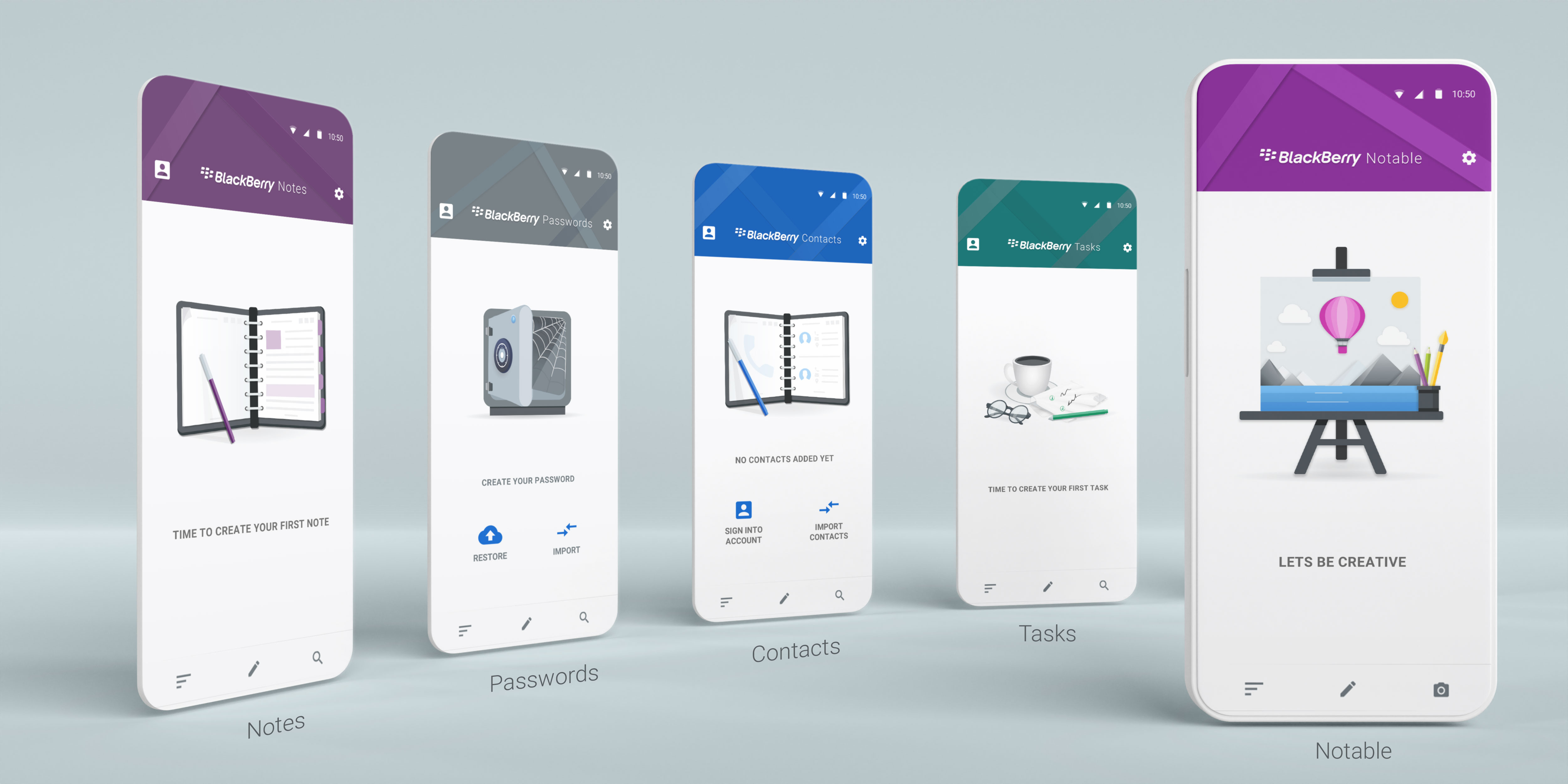
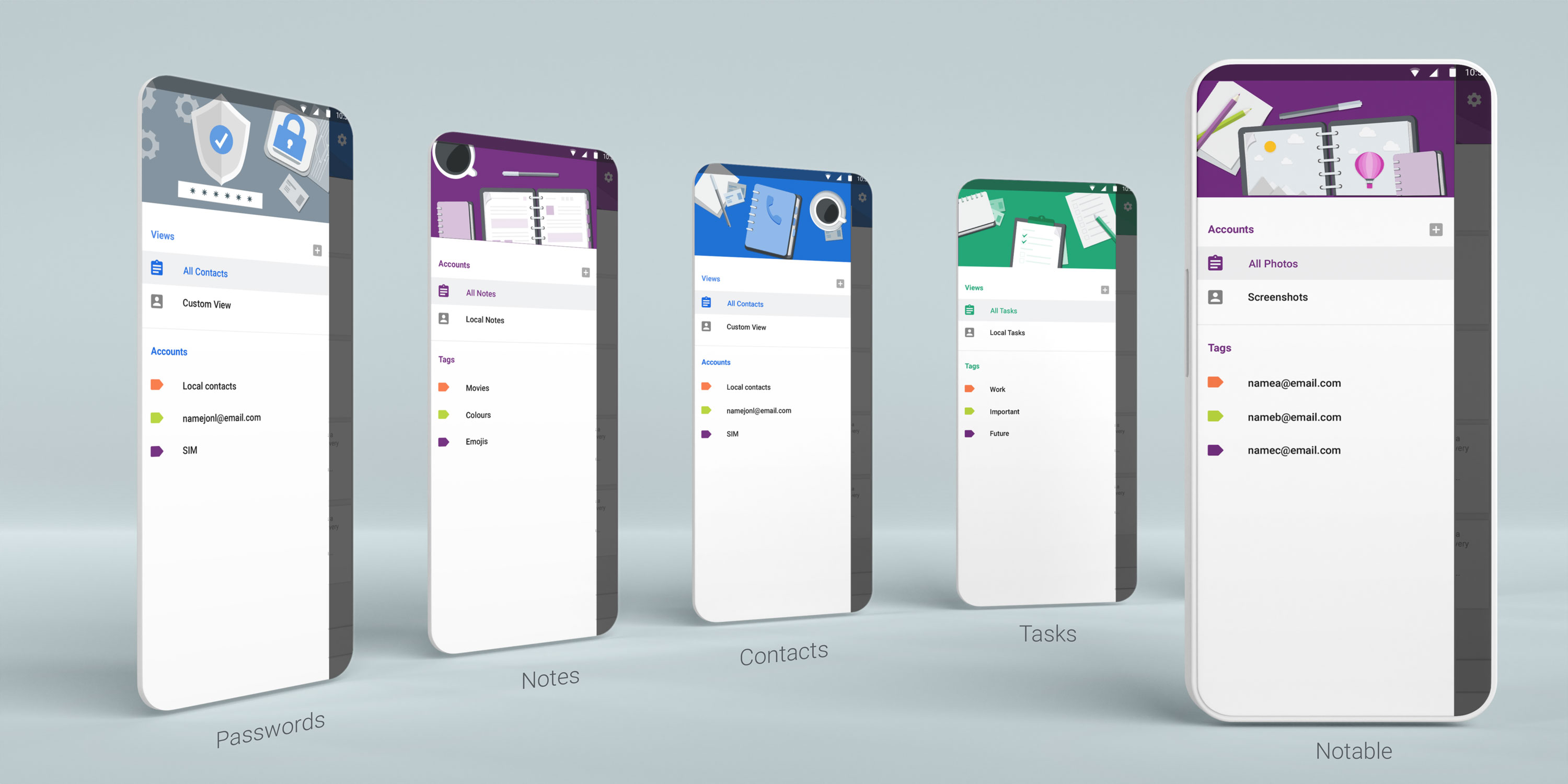




I was creating designs and illustrations for Intro, Onboarding screens and Empty state data for new users. Designing screen layout, sizing guidelines for development and design. Considering, both Dark and Light modes, preparing templates and files that can be used across the team for layout consistency.


The BlackBerry Productivity Tab availble on BlackBerry devices and provides quick access to Inbox, Calendar, Tasks and Contacts.
The way it works, users can side swipe from any screen in any app to quickly view latest messages, reach out to favourite contacts, look over daily schedule or view personal widgets. It allows to access quickly by swiping sideways from anywhere on the device and tapping any of the icons within the tab to glance at the most important info for Hub, Calendar, Tasks and Contacts. In this widget I was involved Designing the difrernt elements and layout based on the design created within the team.
Creating a series of onboarding screens which direct users through the widget interface. To educate new users about the functions and feautres of the app, showing easy guide through.

The BlackBerry® Keyboard was available long ago before Android and IOS existed. The screen version of BlackBerry Keyboard includes several components like predictions and suggestions that can autocorrect typos, multi-language and customizable quick phrases. I was involved in designing content for the BlackBerry HUB+ UX refresh and other products for Security and Productivity sectors. The mockup shows Keyboard Intro screens for new users to help them learn about new features and quick modes that let users easily access productivity features such as voice input, emojis, fine cursor control, clipboard and settings. Type by swiping a finger from letter to letter to form words and sentences without having to remove your finger from the keyboard.
View more:
OTHER PROJECTS
 Interaction Design
WBD HUD
A dense game HUD system focused on navigation clarity, tile maps, accessibility, and reusable patterns.
Interaction Design
WBD HUD
A dense game HUD system focused on navigation clarity, tile maps, accessibility, and reusable patterns.
 Interaction Design
Smart TV UX
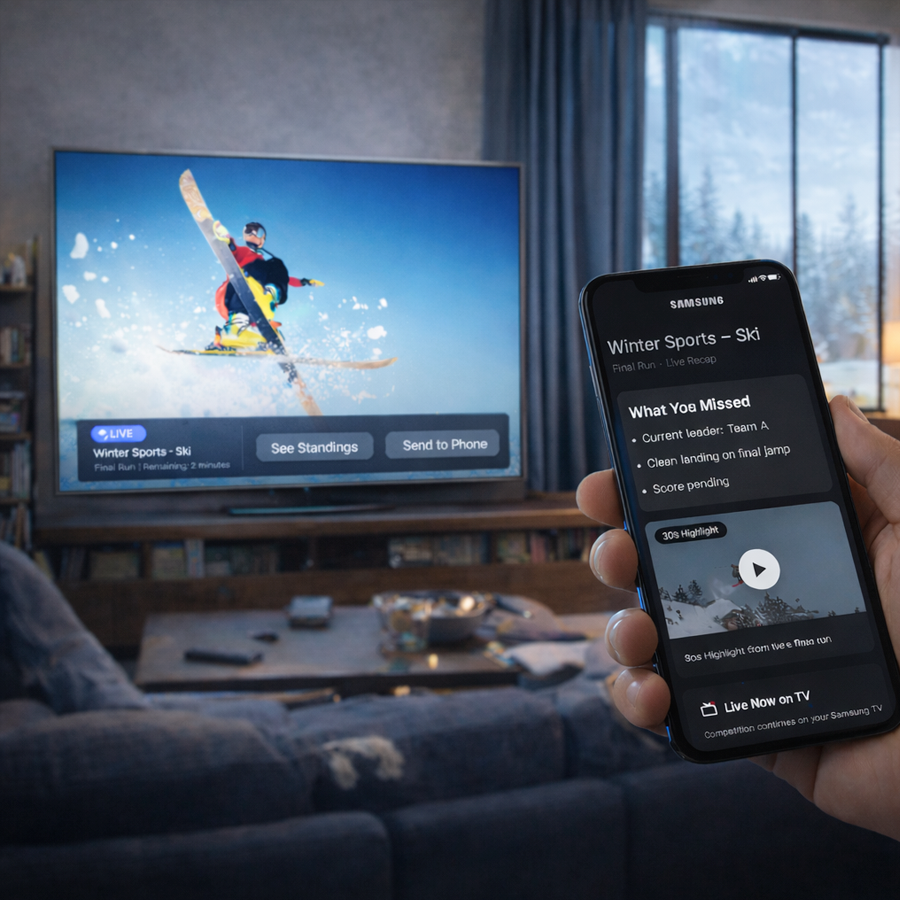
Visual-first interaction concepts for cross-device TV experiences and re-engagement flows.
Interaction Design
Smart TV UX
Visual-first interaction concepts for cross-device TV experiences and re-engagement flows.
 Accessibility
Dark Theme
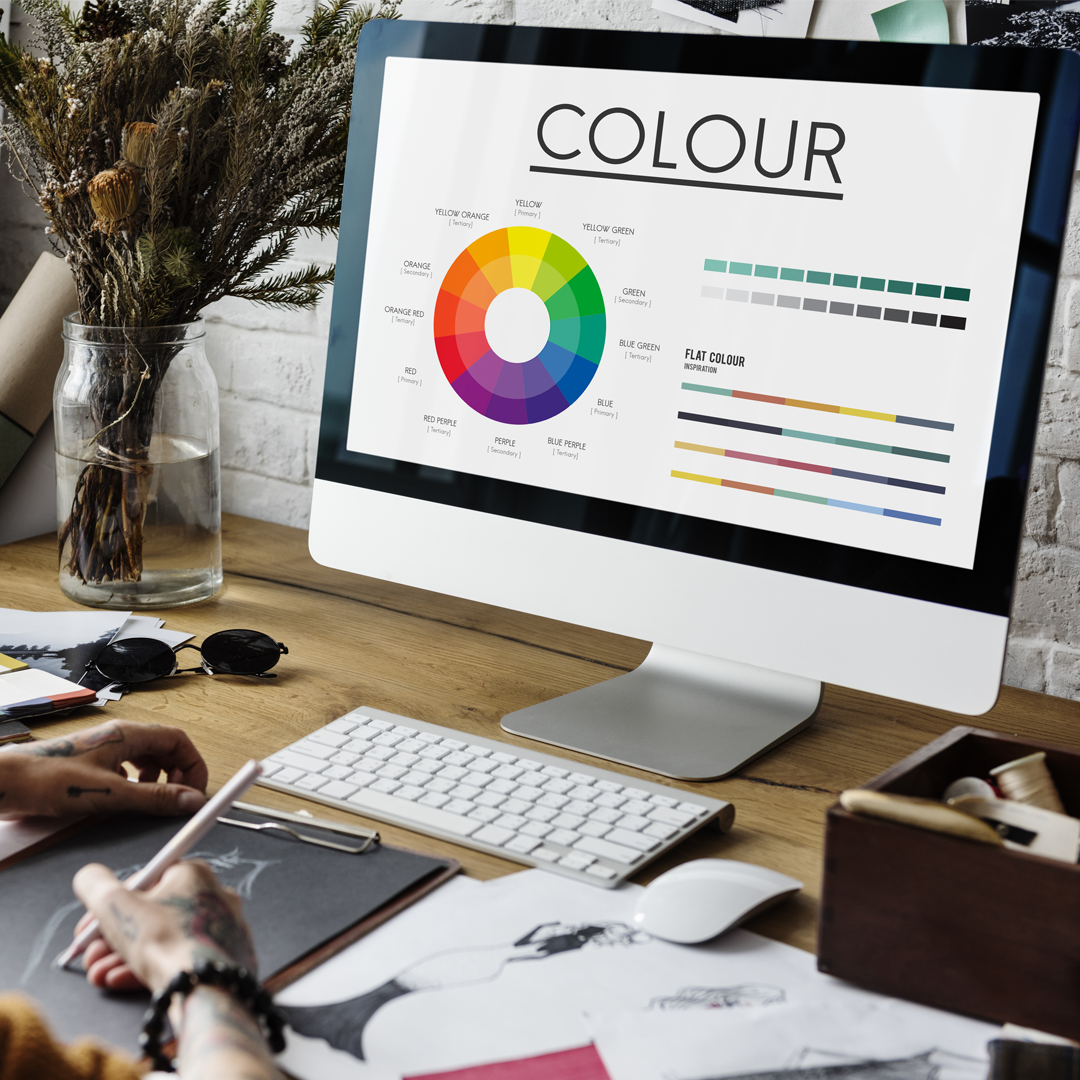
BlackBerry dark and light theme guidelines shaped around contrast, readability, and inclusive UX.
Accessibility
Dark Theme
BlackBerry dark and light theme guidelines shaped around contrast, readability, and inclusive UX.
 Branding
BlackBerry Brand
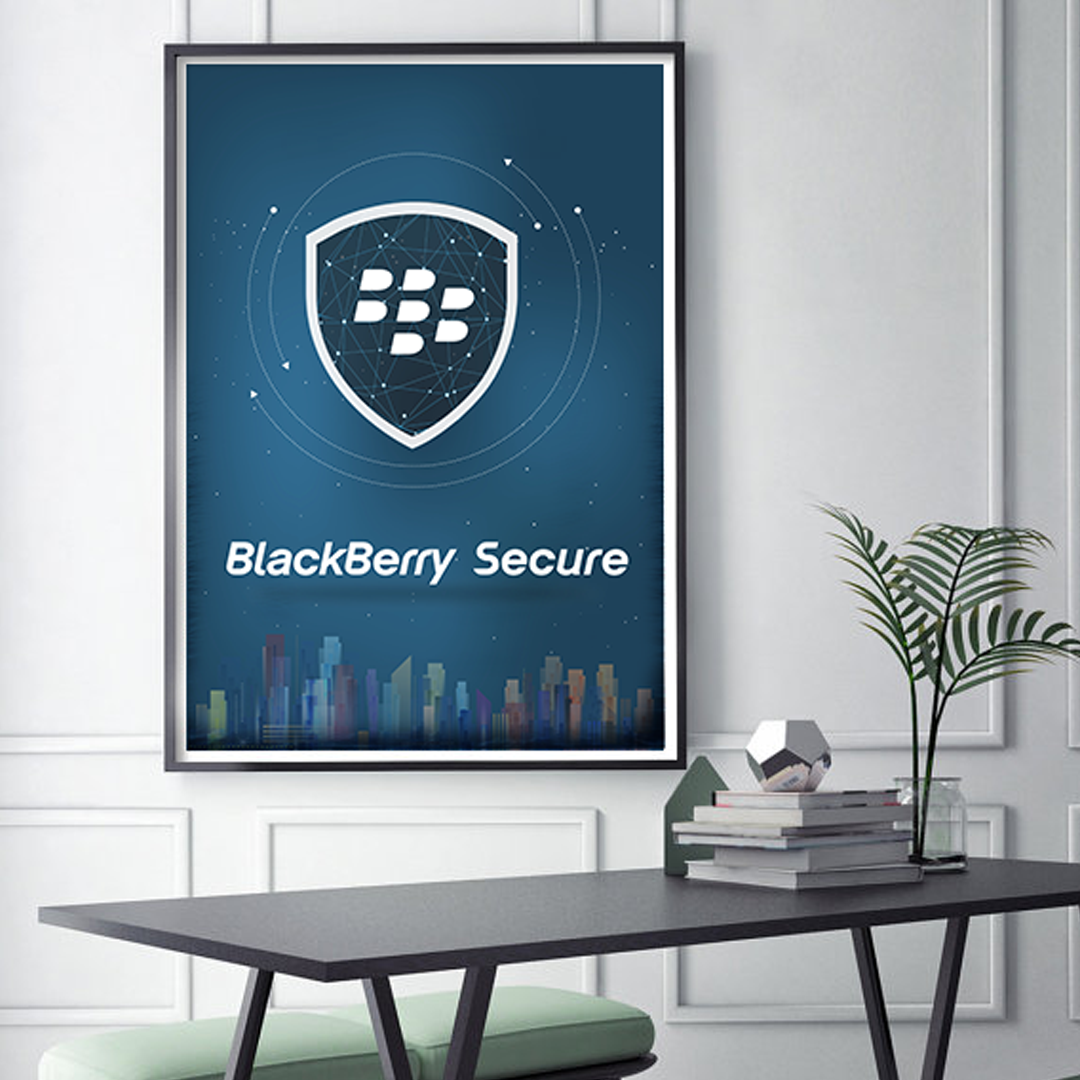
Packaging and brand marketing guidelines across product, print, and visual identity touchpoints.
Branding
BlackBerry Brand
Packaging and brand marketing guidelines across product, print, and visual identity touchpoints.
 Design Systems
Design System
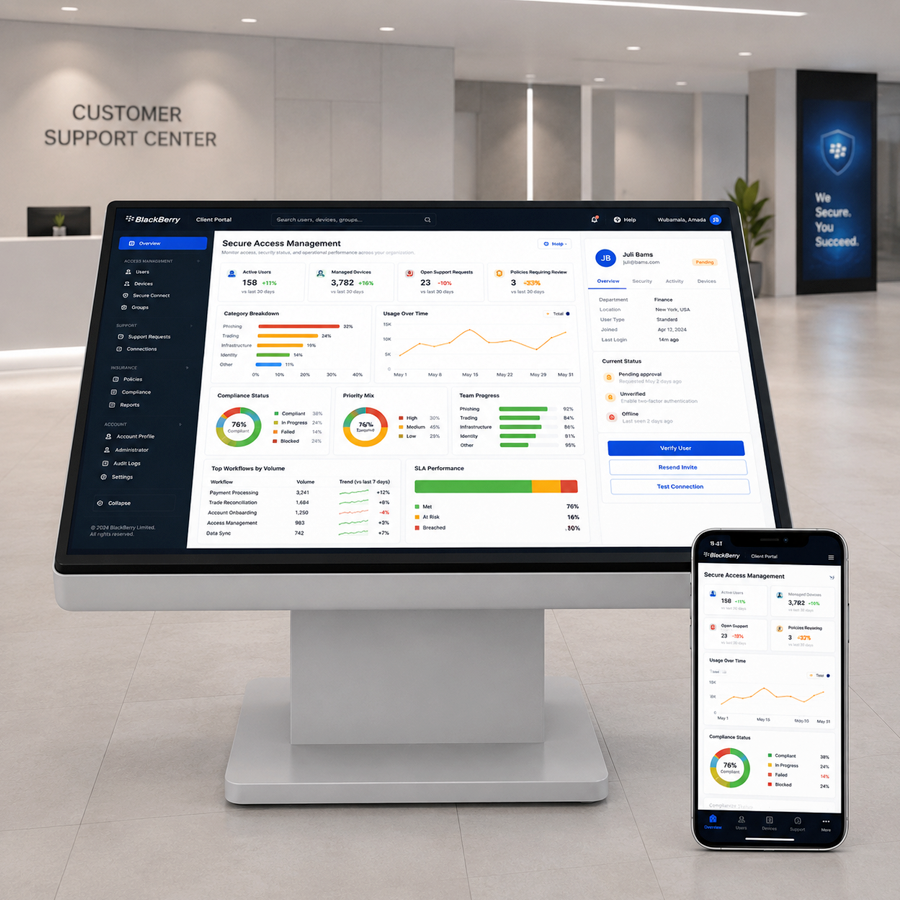
Enterprise web UI guidelines for dashboards, components, empty states, and accessibility rules.
Design Systems
Design System
Enterprise web UI guidelines for dashboards, components, empty states, and accessibility rules.
 Branding
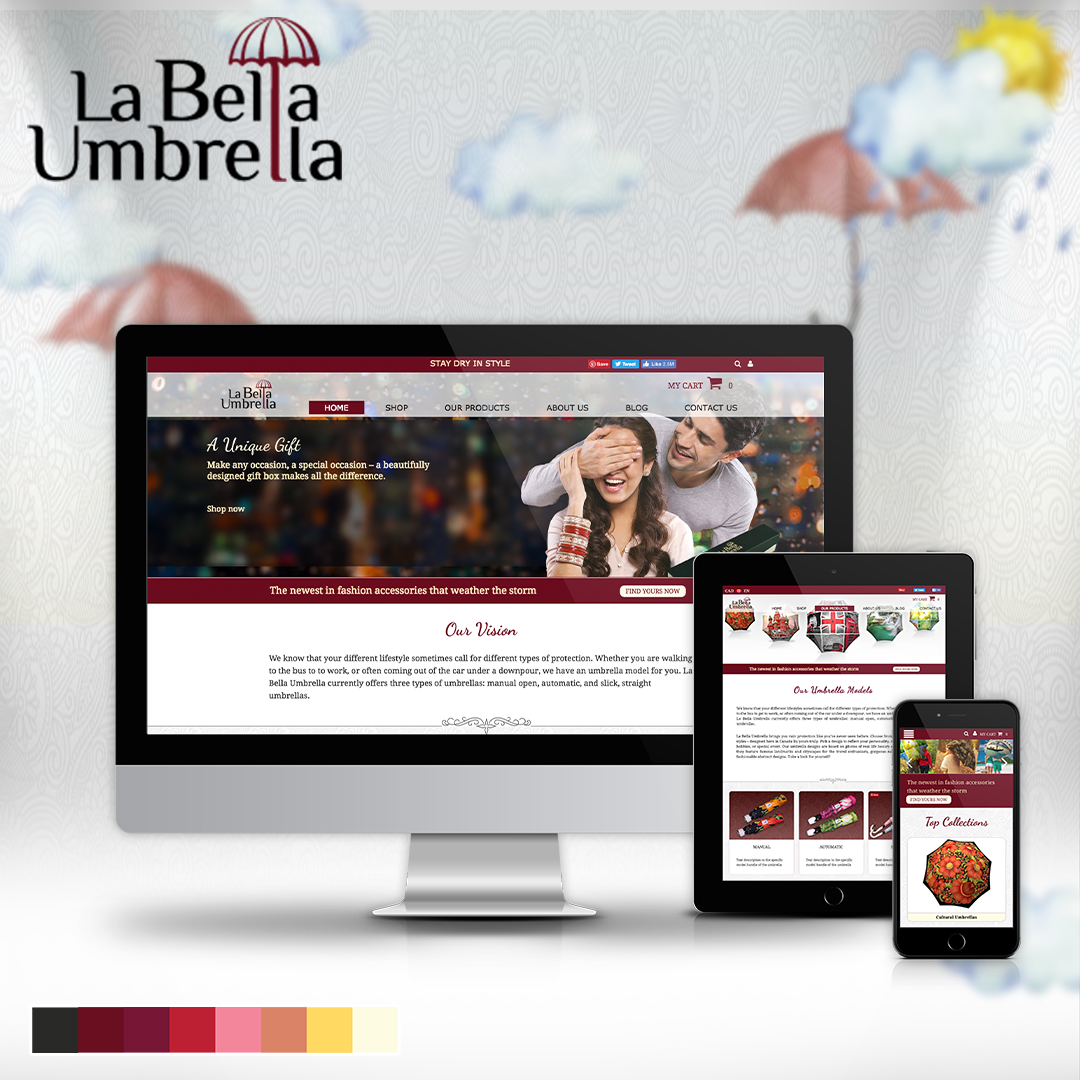
Labella Umbrella
A responsive online store direction combining brand storytelling, layouts, and product imagery.
Branding
Labella Umbrella
A responsive online store direction combining brand storytelling, layouts, and product imagery.
 UX Research
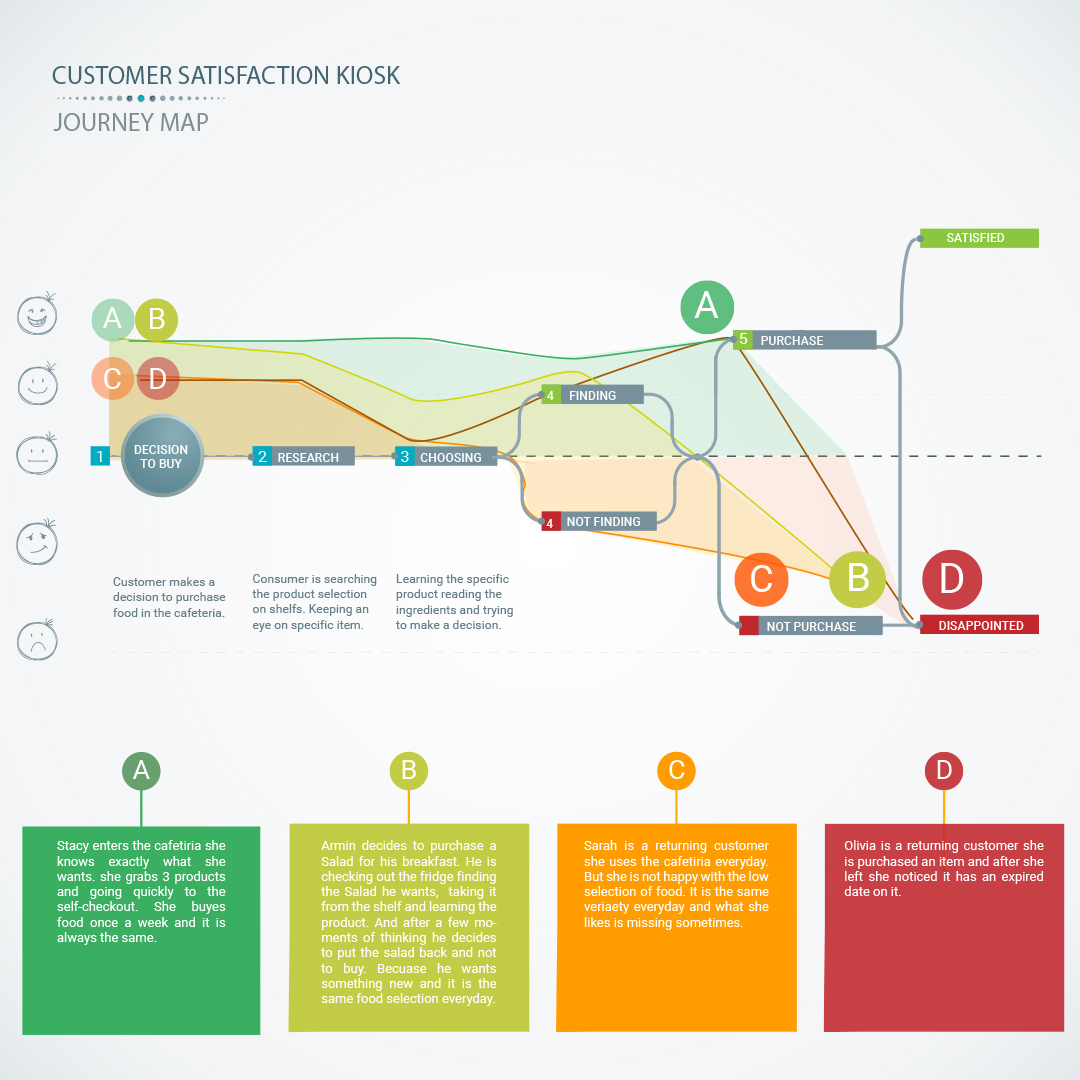
Customer Kiosk
A service kiosk and app concept for measuring customer satisfaction and operational feedback.
UX Research
Customer Kiosk
A service kiosk and app concept for measuring customer satisfaction and operational feedback.
 Interaction Design
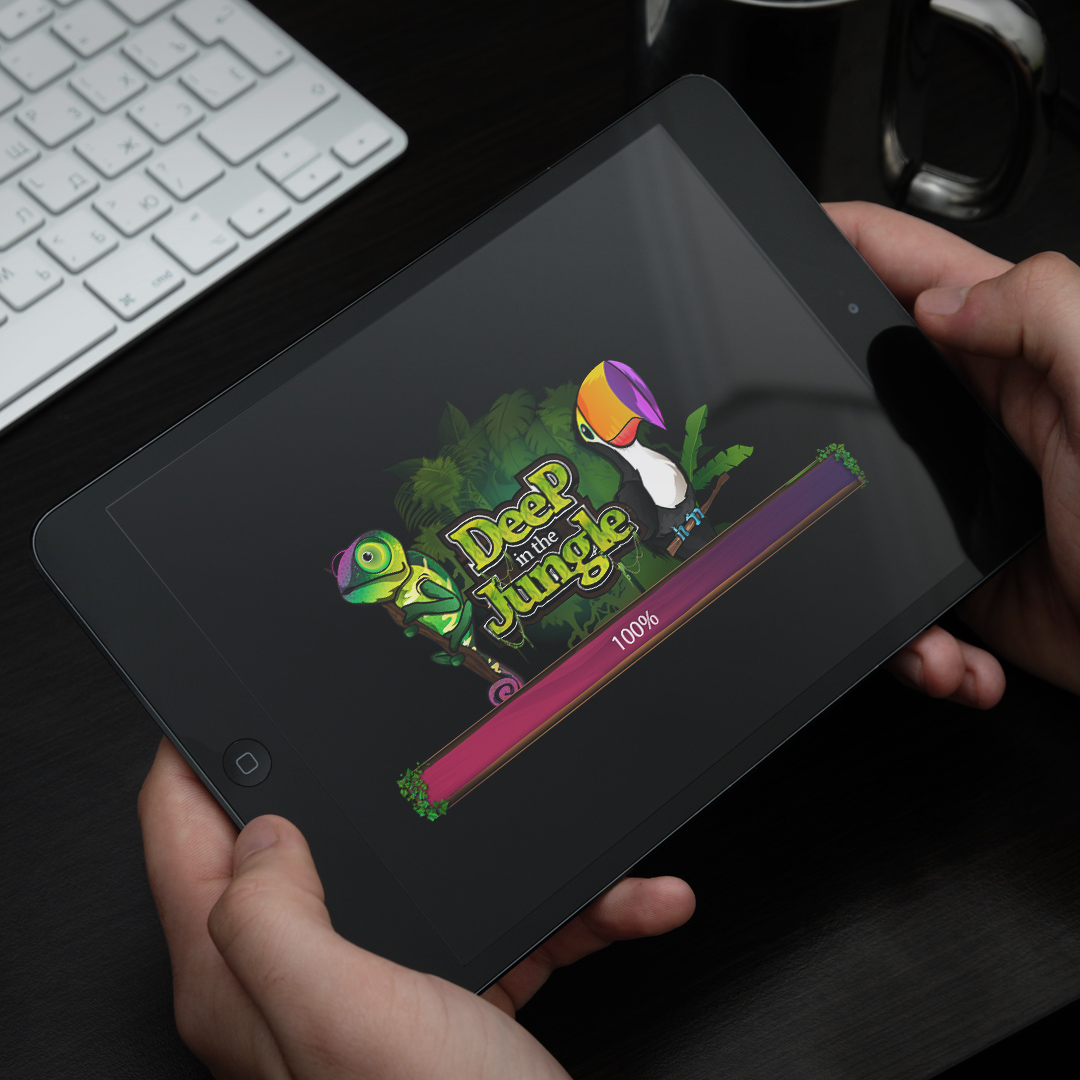
Wizits Game
A mobile game interface with character art, themed screens, animation, and playful UX systems.
Interaction Design
Wizits Game
A mobile game interface with character art, themed screens, animation, and playful UX systems.
 Interaction Design
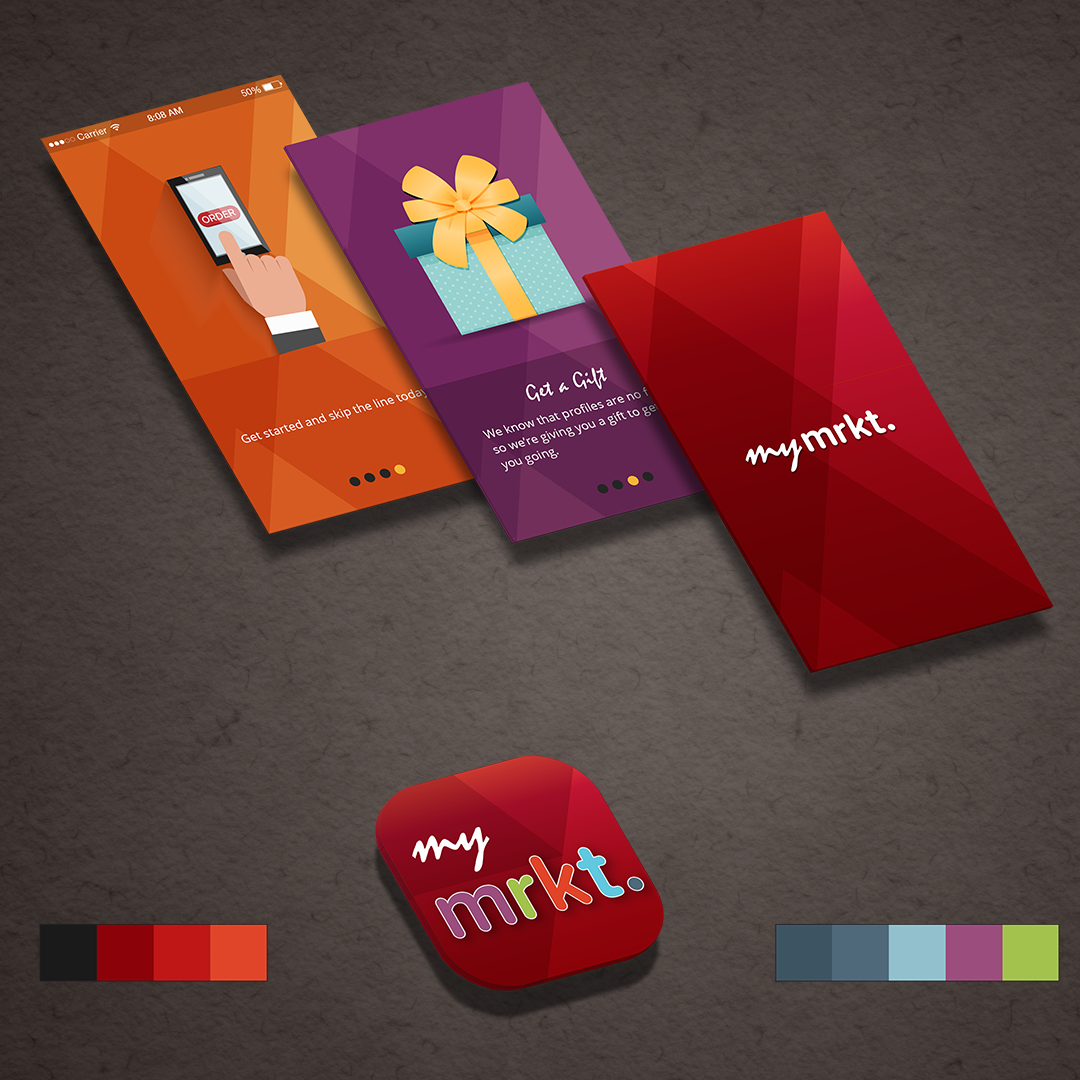
TJX Market
A multi-brand retail app concept exploring navigation, product discovery, and mobile shopping.
Interaction Design
TJX Market
A multi-brand retail app concept exploring navigation, product discovery, and mobile shopping.
 Branding
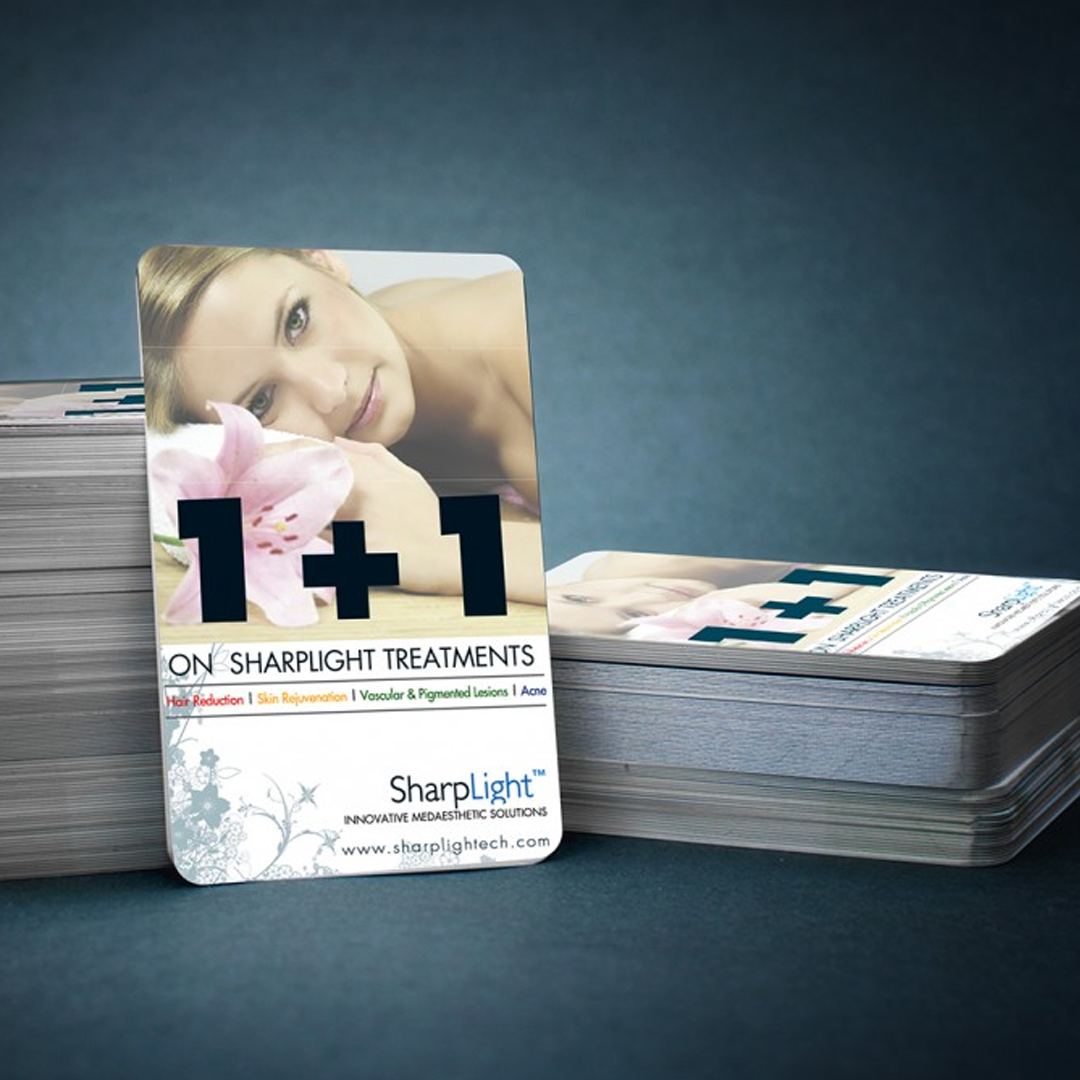
SharpLight
Beauty spa campaign materials spanning print design, promotional layouts, and branded visuals.
Branding
SharpLight
Beauty spa campaign materials spanning print design, promotional layouts, and branded visuals.
 Branding
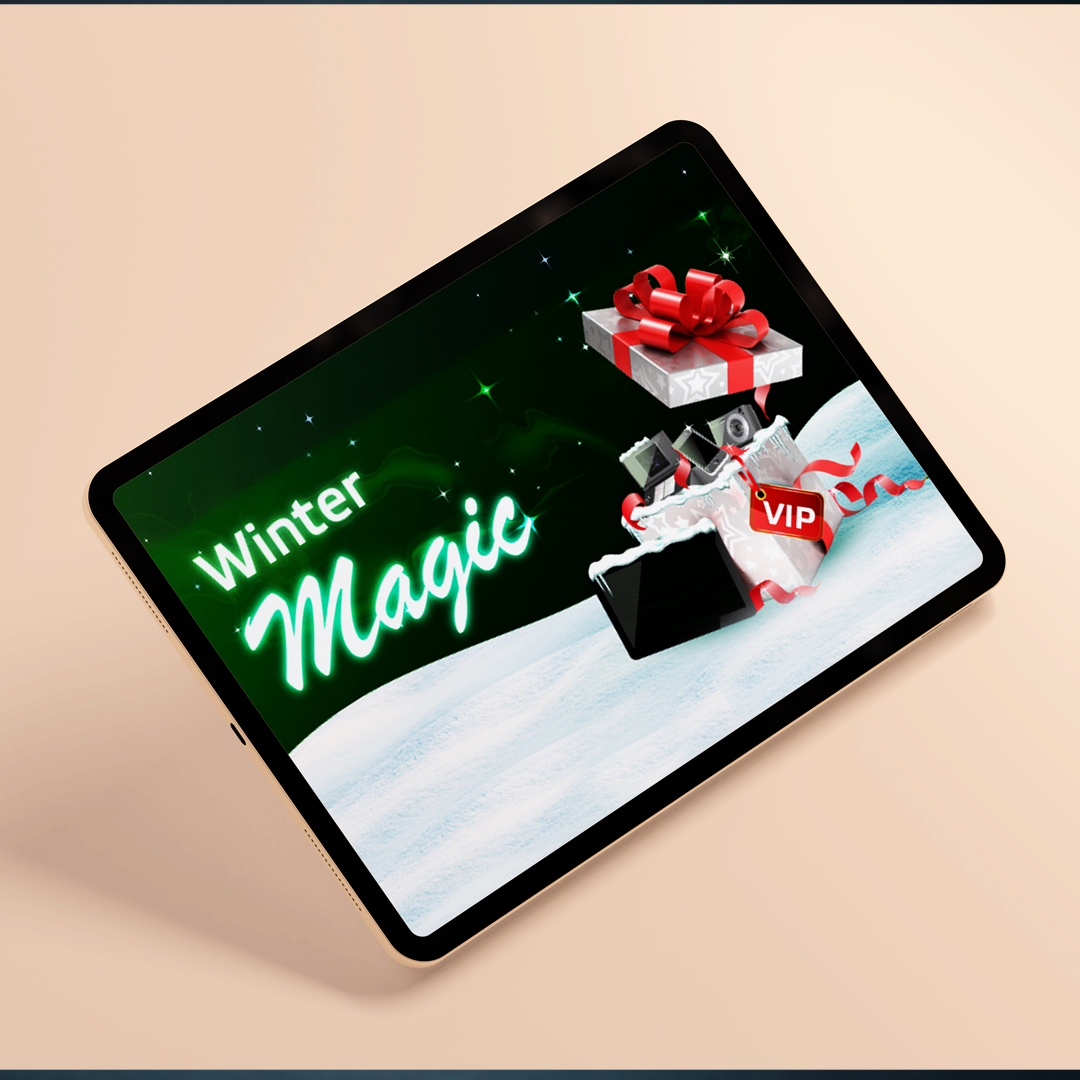
Bwin Promo
A festive gaming promotion with campaign concepts, interface graphics, and seasonal art direction.
Branding
Bwin Promo
A festive gaming promotion with campaign concepts, interface graphics, and seasonal art direction.
 Data Visualization
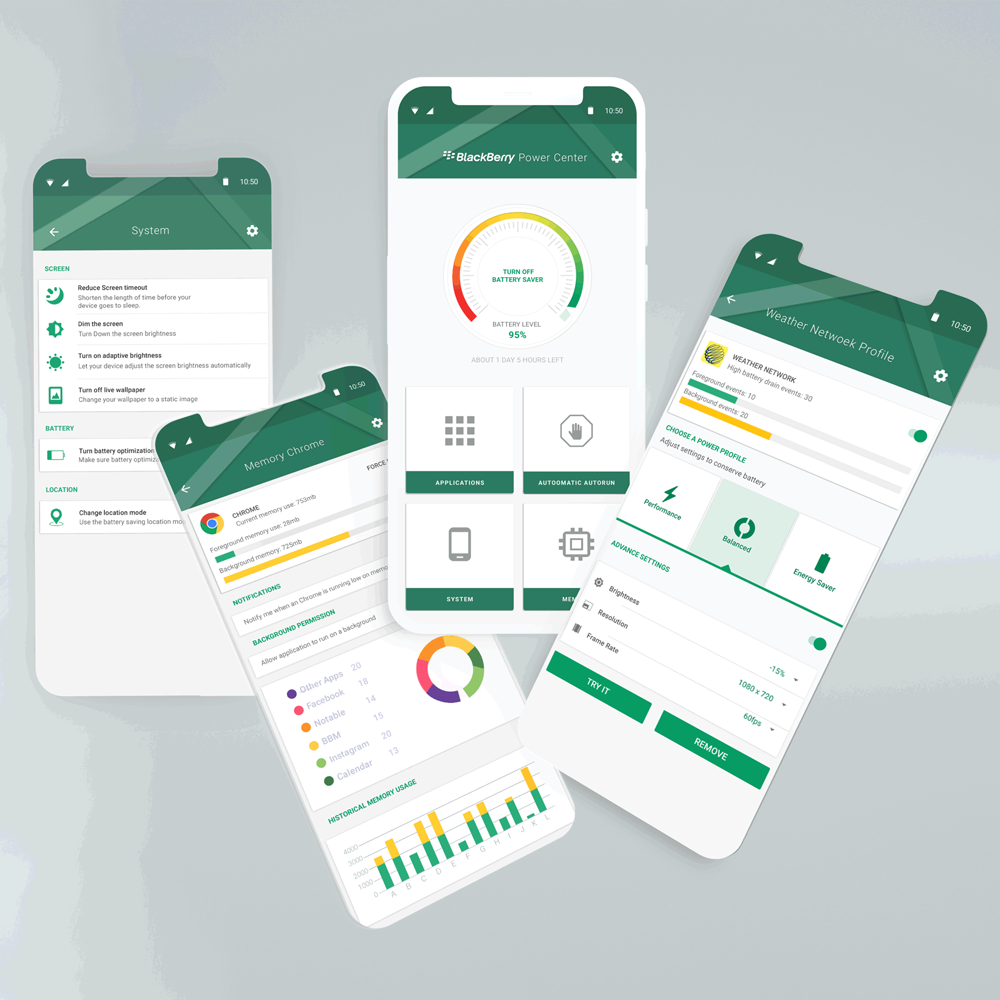
Power Center
Battery app interaction design with information architecture, visual states, and usage insights.
Data Visualization
Power Center
Battery app interaction design with information architecture, visual states, and usage insights.
 Illustration
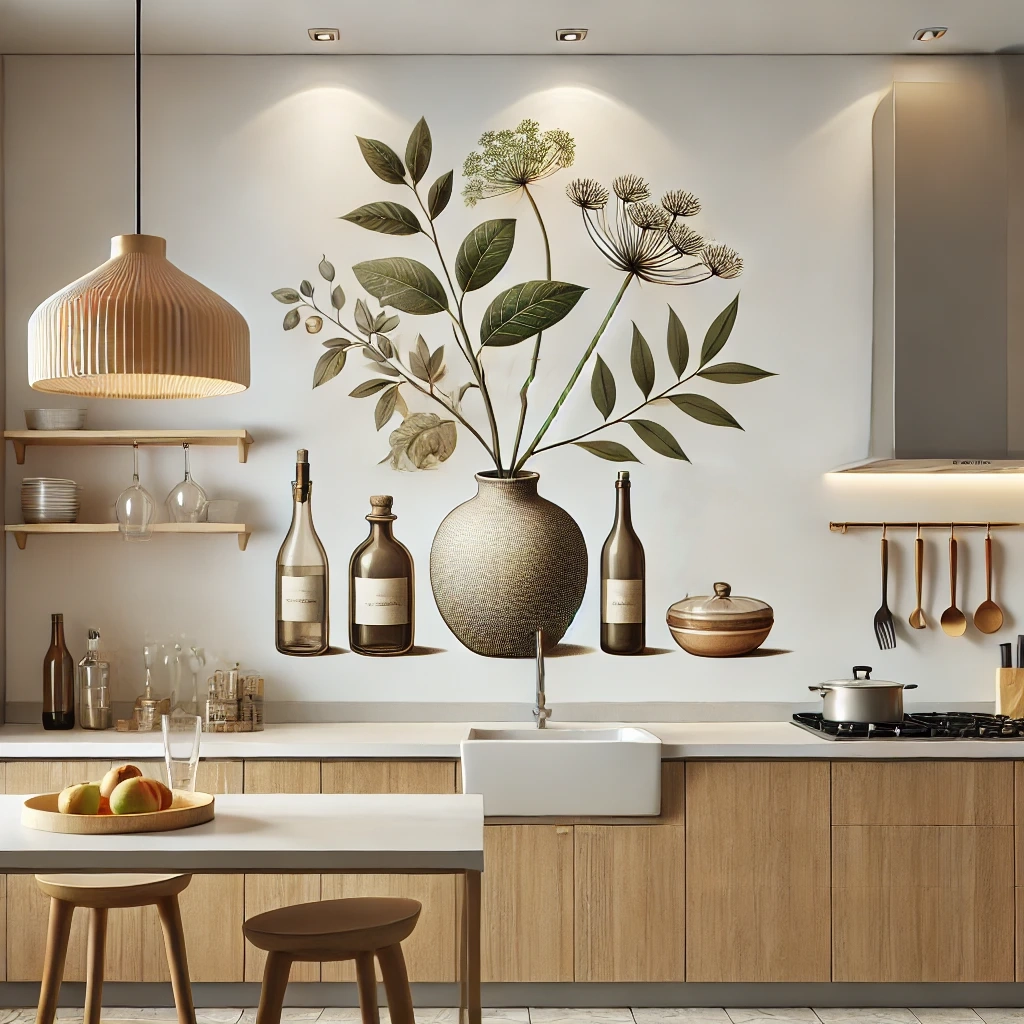
Interior Art
Interior and architectural illustrations using 3D composition, rooms, textures, and visual mood.
Illustration
Interior Art
Interior and architectural illustrations using 3D composition, rooms, textures, and visual mood.
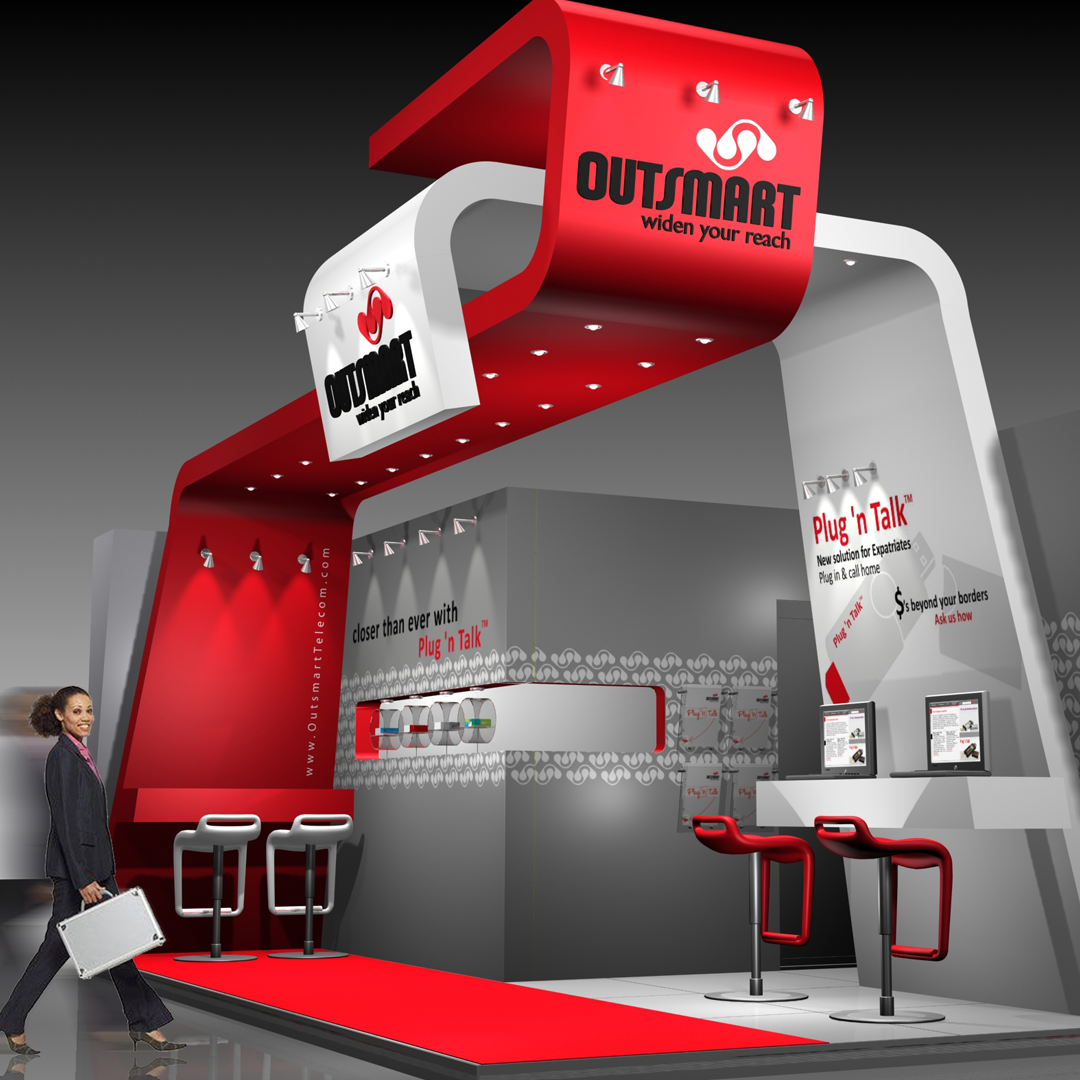 Physical + Digital Experience
3D Exhibition
Exhibition work connecting brand identity, spatial planning, interactive kiosks, product displays, and service conversations.
Physical + Digital Experience
3D Exhibition
Exhibition work connecting brand identity, spatial planning, interactive kiosks, product displays, and service conversations.